Gift of Moments
Make their special day unforgettable.
Gift of Moments turns the photos and video clips already on your phone into a personal video gift — combining your own recorded voice, captions, the original clip audio, and background music into one video made for someone you love.
Out now on Google Play. The iOS version is with Apple for review.
See it in action
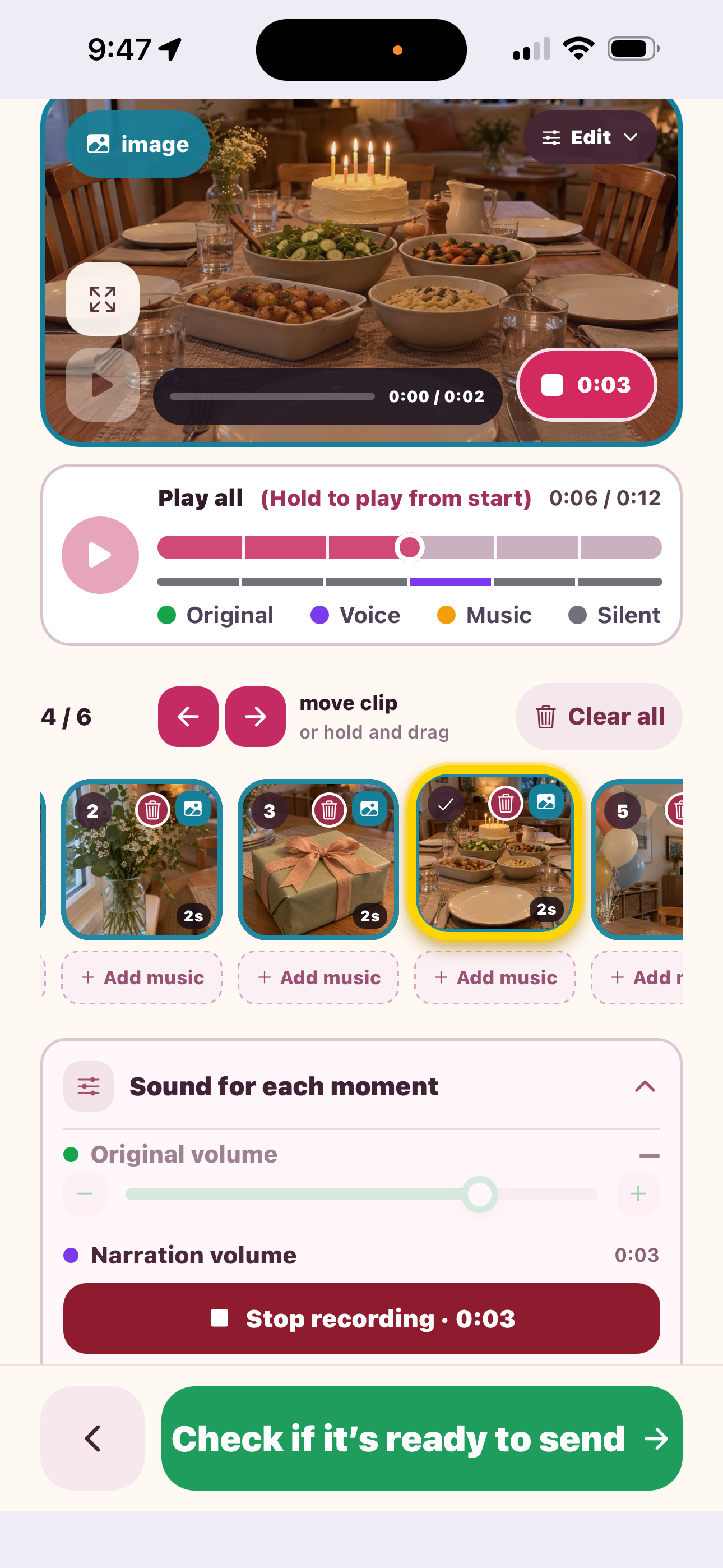
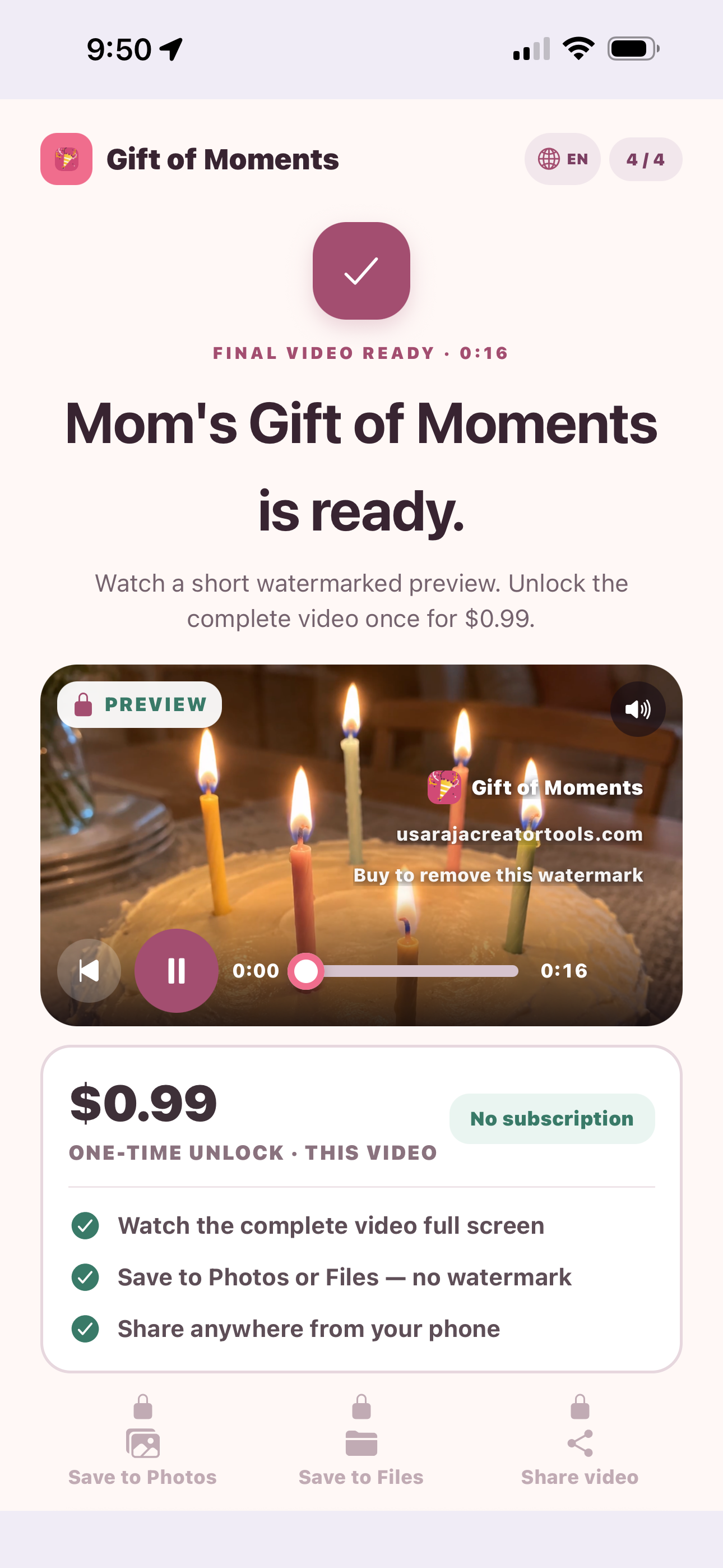
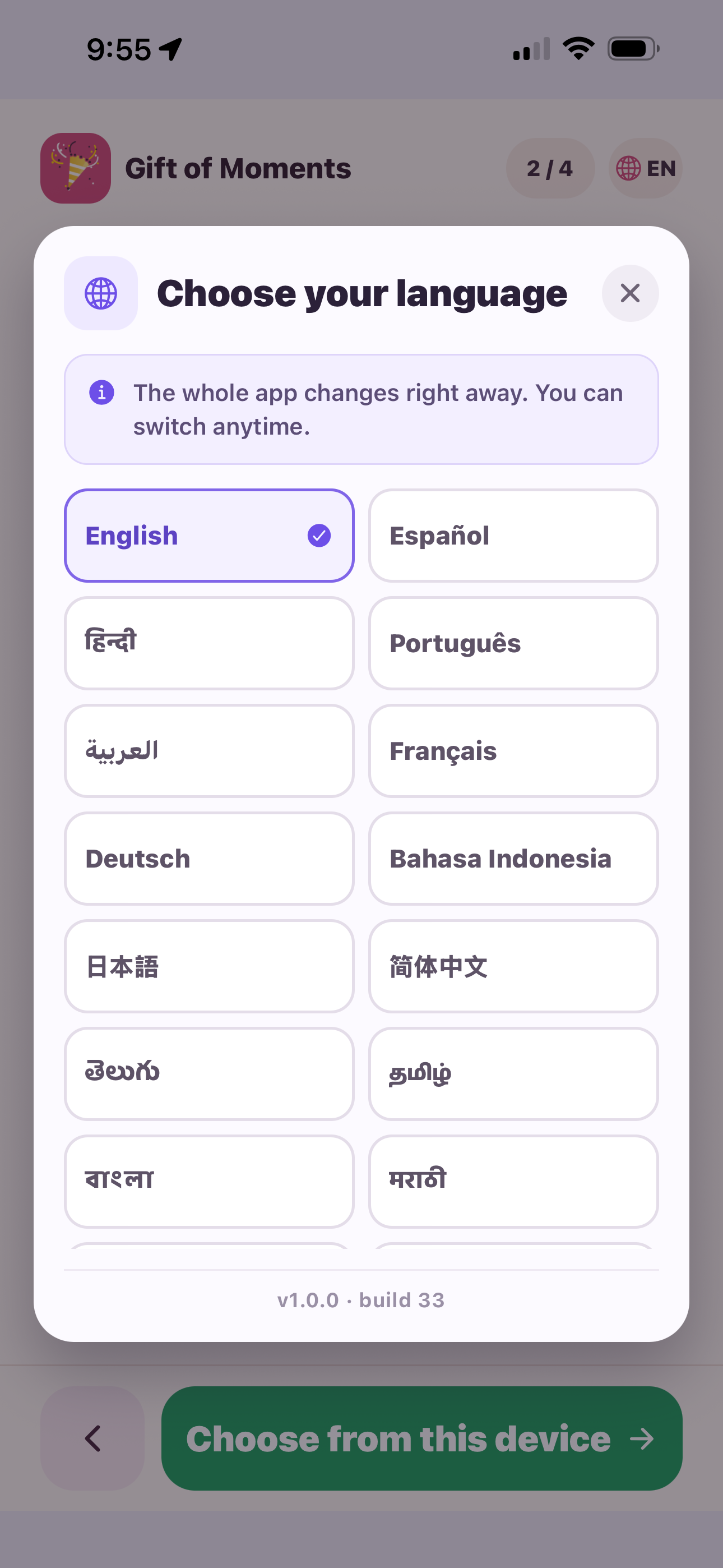
Three moments from the app: recording your voice on a photo, the finished gift, and the language it speaks.
How it works
Three simple steps to a finished video gift.
Select photos and videos
Choose the photos and video clips from your phone that you want in the gift.
Add captions, audio, or music
Record your own voice over any moment, add captions, keep the original clip audio, or lay in background music.
Preview, edit, export, and share
Watch it back, make changes, then export your finished video and share it however you like.
Features
Everything you need to turn ordinary photos and clips into a keepsake video.
Built with privacy in mind
Your media stays on your device
Gift of Moments renders your video locally on your device — using Apple AVFoundation on iOS and Android Media3 on Android — rather than uploading your photos, videos, or audio to a server. The app currently has no company backend or media-upload server, and it does not include advertising, analytics, or tracking SDKs.
Your saved projects and drafts work the same way — they live only on this device, so deleting the app or losing your phone removes them for good. There's no account or cloud backup to restore them from.
For the full picture of what the app does and doesn't do with your media, including anything still being finalized before launch, see our Privacy Policy.